Reporteros
Your implementation resources in 4 easy steps.
Teachers only. Please don't share this page or its password.
Step 1 · Start here
View the Onboarding Slides
Scroll through the slides to see how Reporteros works.
Step 2
Initial Content Implementation Videos
Start with video 1. Click any video in the list to play it.
Implementation Videos Playlist
Step 3
Get Your KWL Hub Guide
Open the guide that matches how you log in.
Not sure which guide is yours?
Book Code: you log in with a code from your book.
Rostered: your school set up your classes for you (for example, through Clever, ClassLink, or your LMS).
For teachers
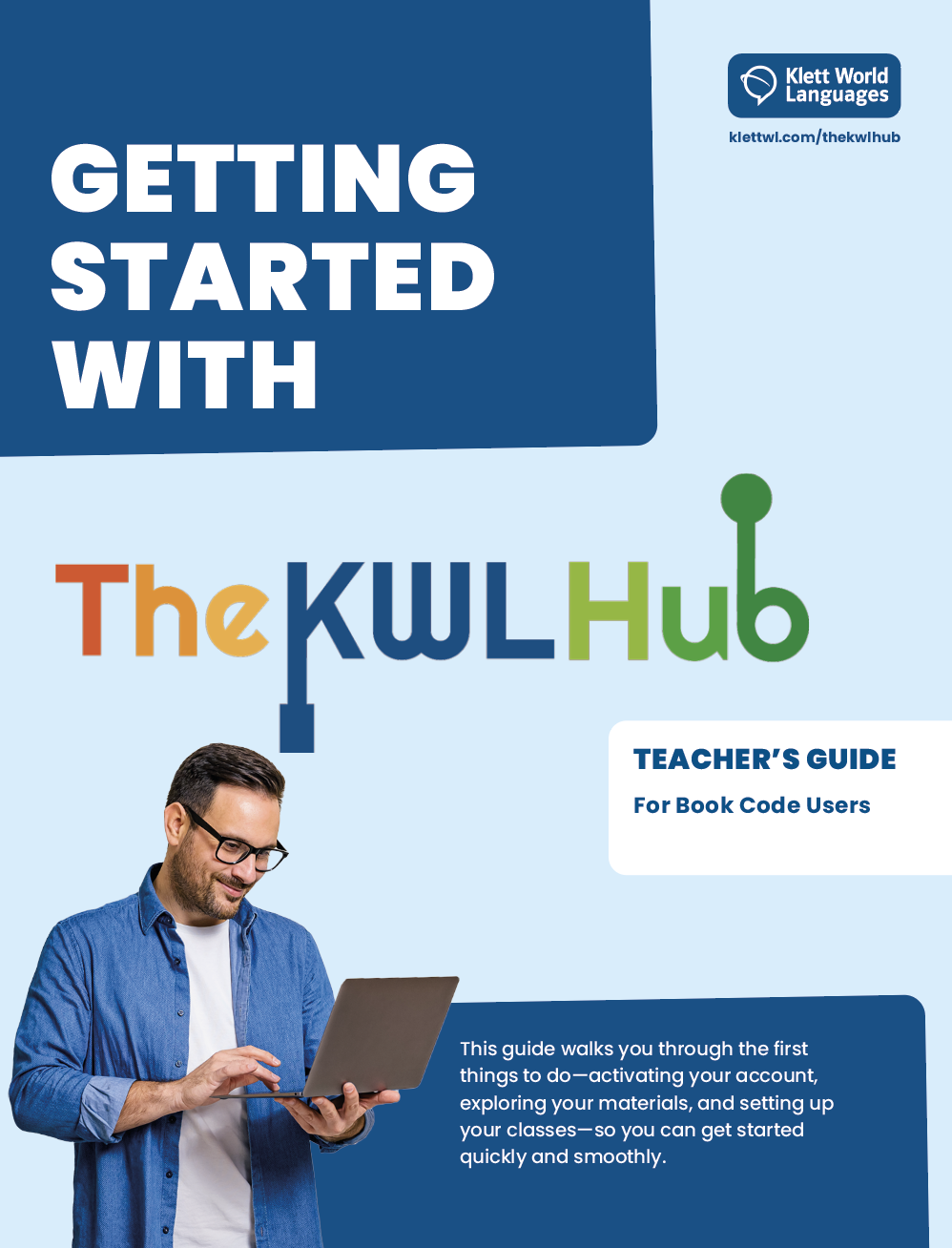 Starting Guide for TeachersFor Book Code usersOpen guide
 Starting Guide for TeachersFor Rostered usersOpen guide
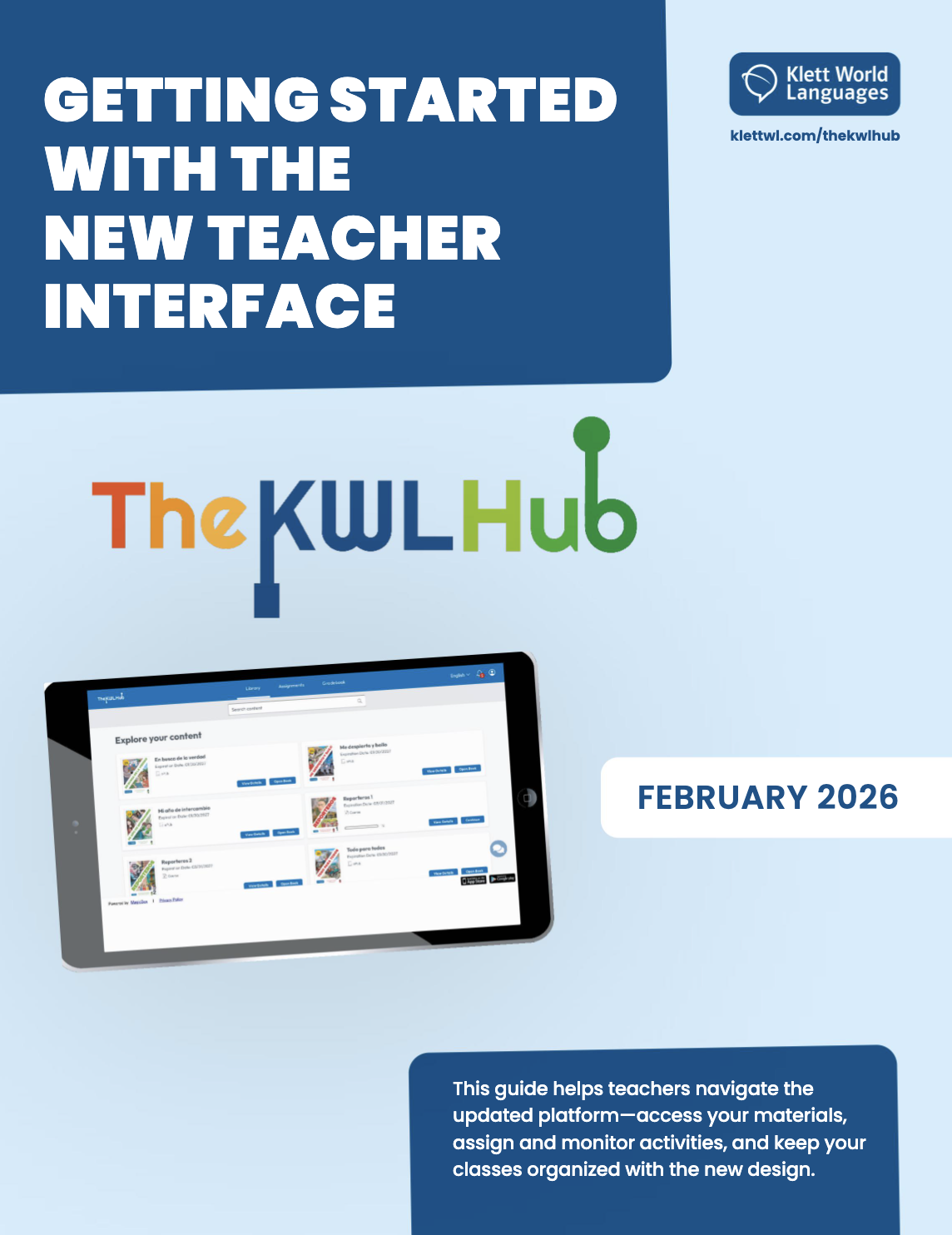 New Teacher Interface GuideWhat's new in the teacher viewOpen guide
For students
Share with your students the guide that matches how they log in.
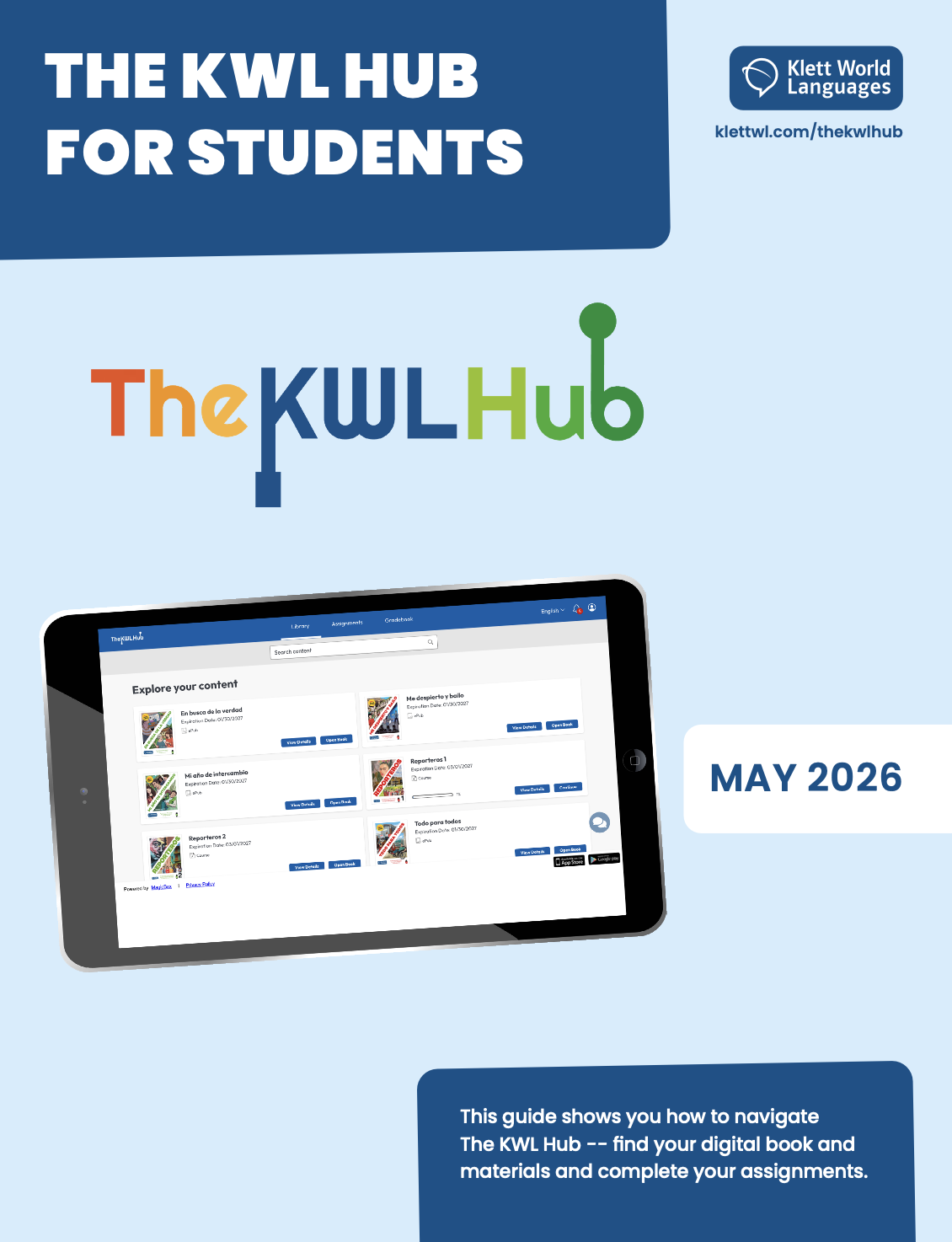 The KWL Hub for StudentsThe student interface at a glanceOpen guide
 Student's GuideFor Book Code usersOpen guide
 Student's GuideFor School Portal or LMS usersOpen guide
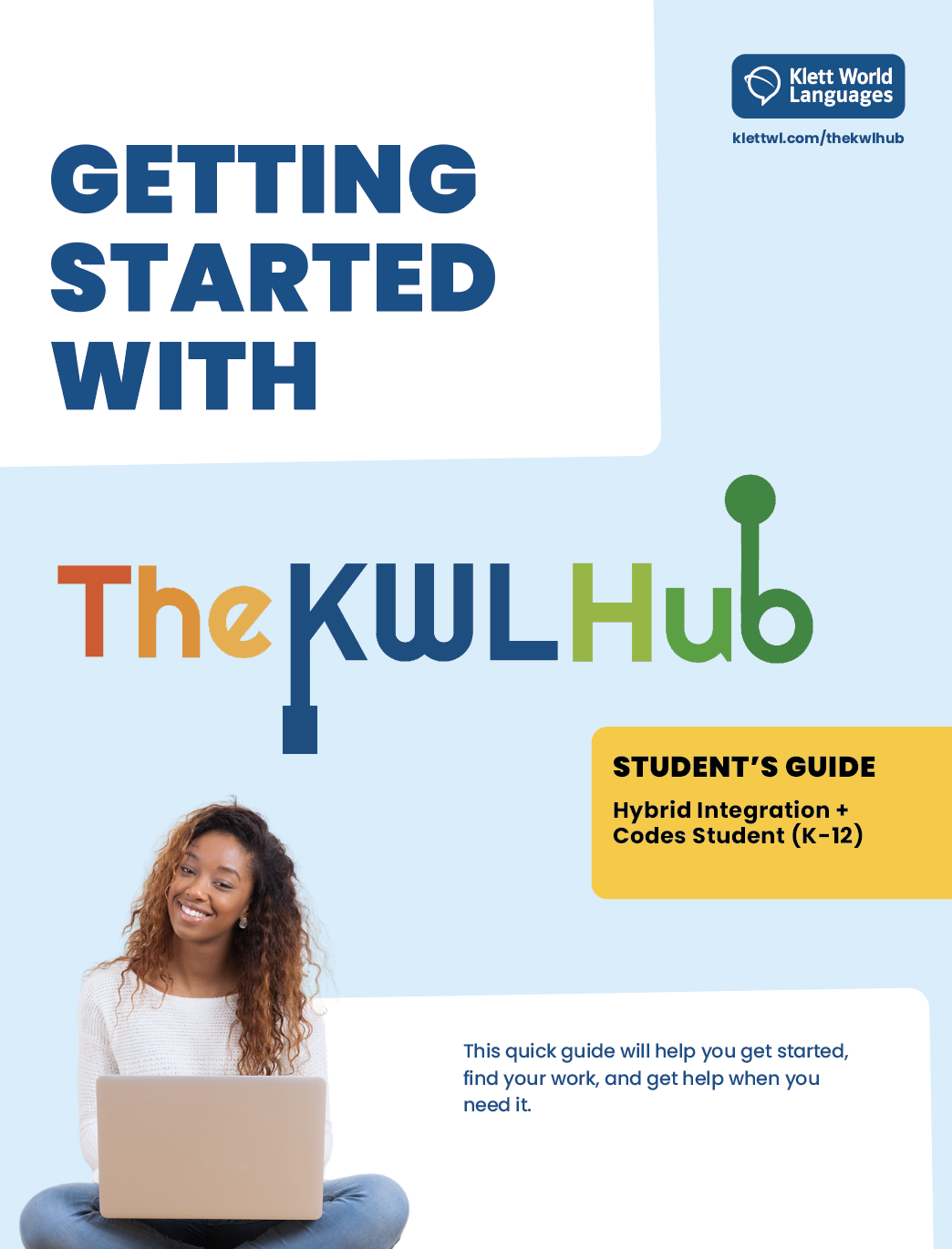 Student's GuideFor Hybrid Integration usersOpen guide
Still stuck on the platform?
Step 4
Watch The KWL Hub Videos
Start with video 1. Click any video in the list to play it.
The KWL Hub playlist
Need help?
Questions? Just Ask.
Pick your question and click the button. We'll get back to you.
Meet Your Implementation Team
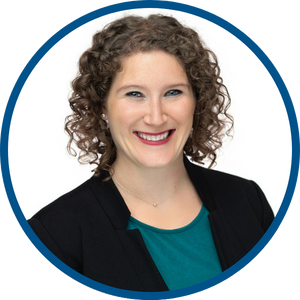
Dr. Sara Stefanich
Implementation Manager

Juanita Calvo
Implementation Specialist

Katie Mickel
Implementation Specialist

David M. Reher
Implementation Specialist